Pages

Showing posts with label cybersmart. Show all posts

Wednesday, 10 August 2016

24 Hours

   
This is my 24 hour digital footprint.  It shows that I have been looking at my blog, checking my emails, looking at our class site while I have been working on my Chromebook over the last 24 hours.

Thursday, 2 June 2016

TAKING MY CHROMEBOOK HOME!

On Thursday I was so excited because some students get to take their chromebook home. It was very nice seeing some students so happy. When the bell rang we get to have a snack which was chocolate fish also a fruit stick. Some parents came after school. My favourite part was when I get to show my work to my parents. It was so fun! I had to introduce my parents to Mrs Grant and Mrs Yayleen. I showed my mum my blog, class site,class blog. I also did a survey with my mum. Some parents get to have some food off the table.

When I first got my chromebook I did not know how to use it. Also I did not know about a blog, class site, class blog and kiwi kids news. But the next day I started liking going on all those things.

Thanks to Mrs Buchanan, Mrs Grant and Yayleen.

Wednesday, 2 March 2016

2016 profile

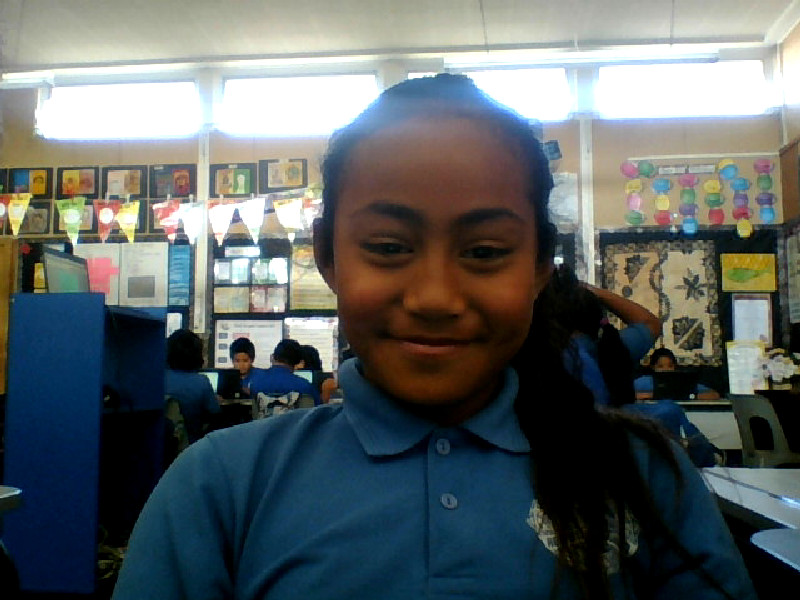
My name is Kuini and I am in Year 6 at Ruapotaka School. My teacher is Mrs Buchanan and I am in Room 10. I am Samoan.


My TOP TIP for using the Chromebook is Ctrl O. Ctrl O comes up with a file. My favourite sports are rugby and soccer and I am a little bit good at skipping. My favourite songs are by Chris Brown.  My favourite food is KFC and my favourite chocolate is L&P. When I grow up, I want to do courses.

Friday, 20 November 2015

Working on our Snagit video


I have been working with a Room 9 student and also one student from my class. We have been working on our snagit video. Making a snagit video was pretty hard so we needed to practise a few times.

Tuesday, 10 November 2015

Sharing information

Before we launched our own blogs, we checked out some student blogs in Manaiakalani to see what kinds of information people share.  We noticed that they used photographs and videos as well as writing to share their learning.  We created an infographic to share what we discovered.

Friday, 23 October 2015

Taking care of my chromebook

In Term 2 Mrs Grant taught us about Kawa of Care. This means that it is my job to look after my Chromebook carefully when I am working and when I carry it around the classroom.

Tuesday, 13 October 2015

Password on paper

We are learning to create strong, unique passwords and make sure our Google account is secure.

Wednesday, 23 September 2015

My Top Tip poster!

   
My Top Tip poster is Ctrl o. I like ctrl o because it's an easier way to open a file.

Tuesday, 22 September 2015

My favourite songs are by Stan Walker

Sep 2, 2015 12:00:54 PM.jpg

My name is Kuini and I am in Year 5 at Ruapotaka School. My teacher is Mrs Buchanan and I am in Room 10. I am Samoan.

My TOP TIP for using the Chromebook is Ctrl O. Ctrl O comes up with a file. My favourite sports are rugby and soccer and I am a little bit good at skipping.

My favourite songs are by Stan Walker.  My favourite food is KFC and  my favourite chocolate is a flake. When I grow up, I want to work at the zoo.